
Learn
























Your AI transfers because it can't see anything
Most AI in customer service is stuck reading documentation about your business instead of reading your business. It can explain the refund policy. It cannot check whether this customer qualifies, or issue the refund. That gap is almost always a plumbing problem — and it's the reason automation rates stall.
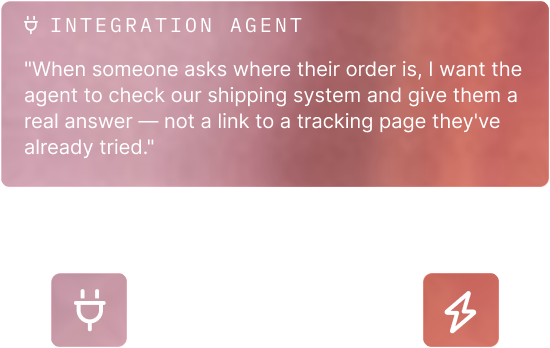
Ask for the capability, not the connector spec
Describe what you want the AI to be able to do in plain English. The agent reads the API docs, plans the integration, and maps inputs and outputs.
Build in minutes, ship in days
Integration work that typically takes 30 days can be completed in as few as three, and it doesn't consume an engineering sprint you'd rather spend elsewhere.
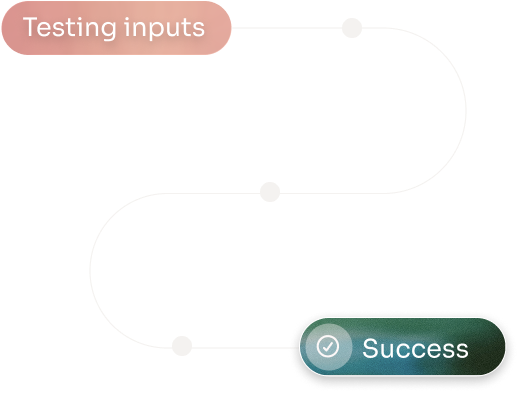
Know it survives the bad path before it's live
Happy paths and failure paths are both tested. Missing inputs and API failures surface before a customer finds them.
Give the AI permission to act, safely
Published tools carry typed inputs, permissions and review — so order status, refunds, shipping, billing, CRM updates and escalations become actions the assistant can take, not topics it can discuss.
“With Crescendo's widgets and integration tools, we can now feed data from our CRM, ERP, and calling service together to dive much deeper into analytics.”

Jordann Donsky
CX/Marketing Operations Manager


Connect what you already own.
Hundreds of prebuilt connectors. Custom integrations in minutes.
Every conversation runs through Applied Insights to surface what customers are saying, what’s breaking, what’s driving unnecessary contact, and what your team should act on.
Every tool call becomes operational learning
Applied Insights surfaces what’s actually driving contact volume.Not the five categories in your ticket dropdown. Get granular reasons for what’s happening, on the same day it happened.
No extra middleware. No extra team.
The integration workspace is part of the platform, not a separate iPaaS line on your budget.
Stop paying for AI that can only talk about the problem
